
Discovery and pathways
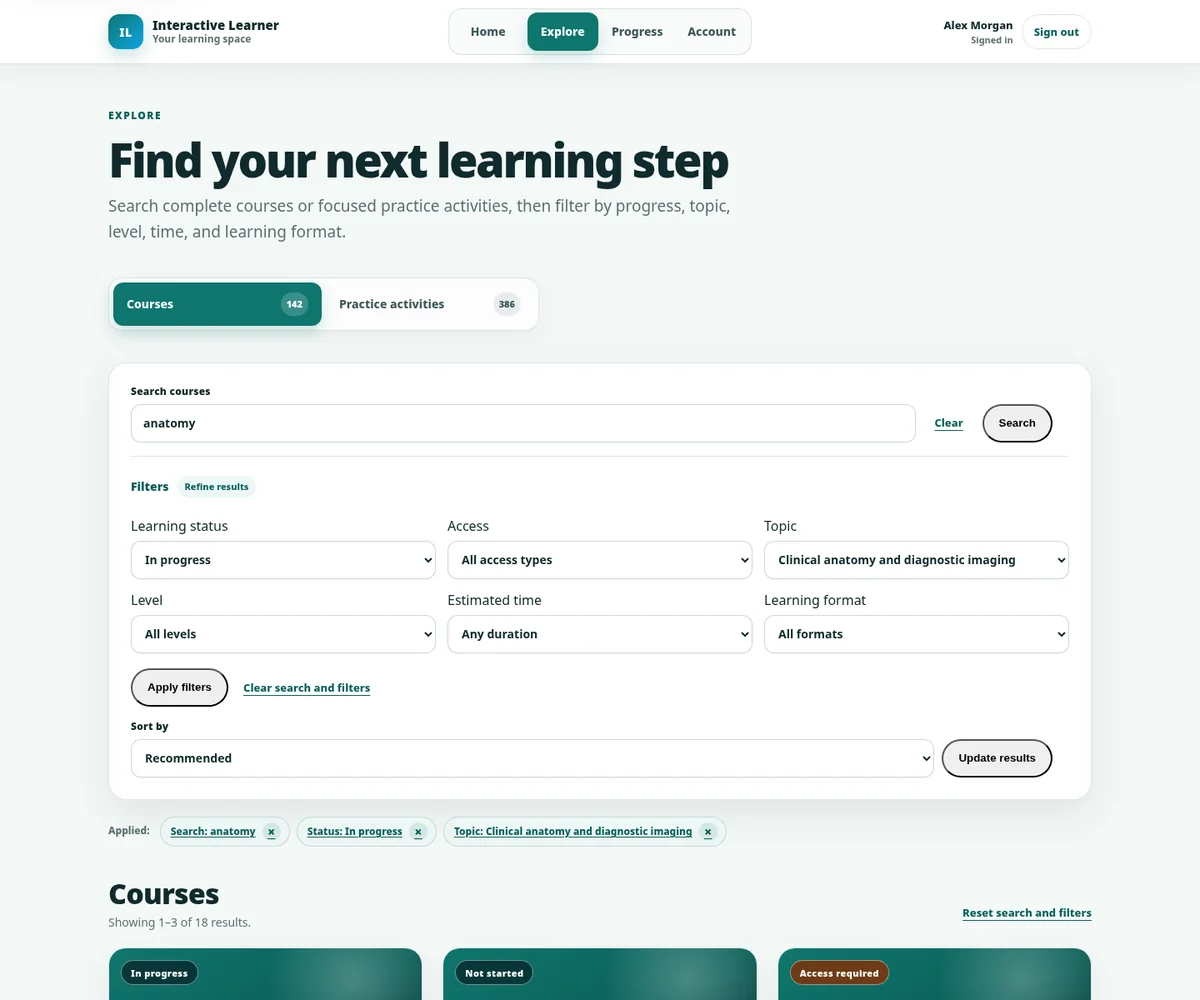
Searchable courses and practice activities, clear access states, filters, recommendations, progress and resume points.
See discovery →One connected learning product
Interactive Learner combines discovery, rich media, 2D and 3D activities, AI-guided practice, assessment, progress and professional operations in one coherent experience.
The experience stack
Start with a focused use case and add capability where it improves understanding, practice, evidence or delivery. The platform does not force every course into the same template.
Searchable courses and practice activities, clear access states, filters, recommendations, progress and resume points.
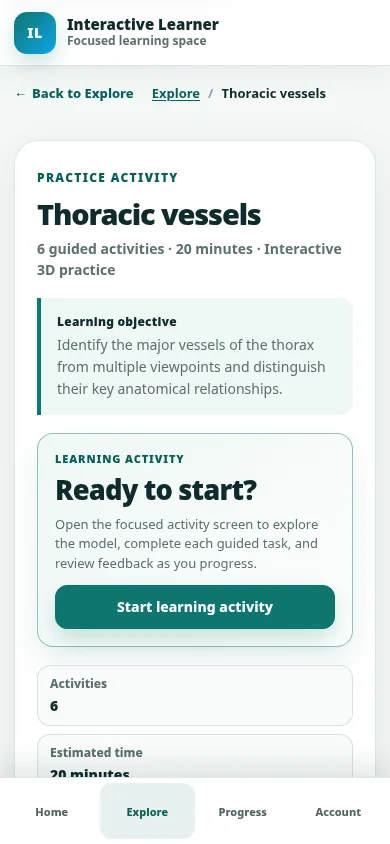
See discovery →Images, diagrams, labels, polygons, guided views, reveal activities and media-rich explanations.
See visual learning →Model setup, structure labels, camera views, learning pins, animation, teaching media and accessible companion assets.
Explore the model demo →Oral simulation, viva, interview and scenario practice with structured feedback and defined next steps.
Try sample feedback →Question banks, quizzes, mock exams, written responses, media-based tasks, feedback and certificates.
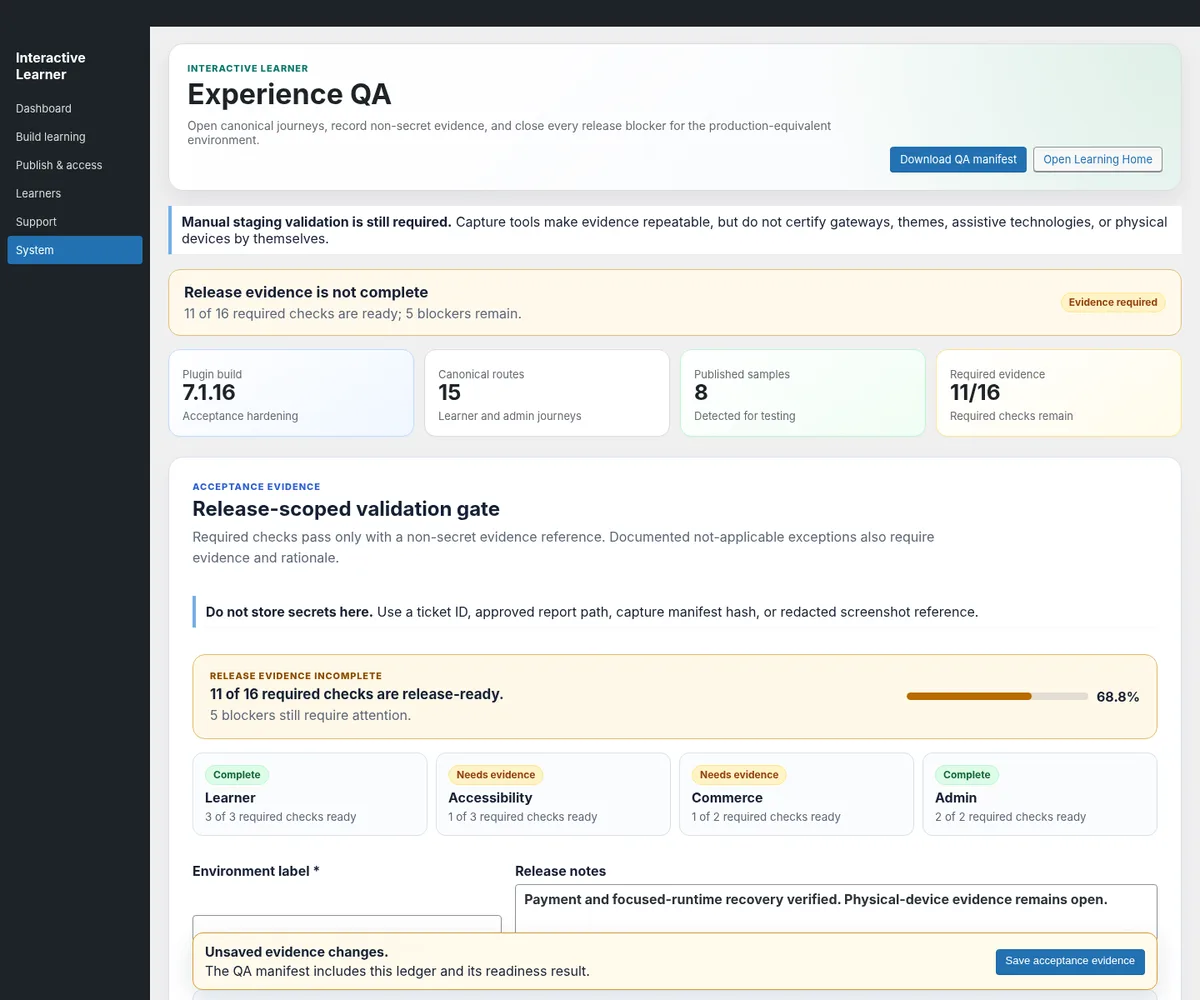
Try an assessment →Course Studio, package workflows, Experience QA, readiness checks, controlled publishing, gradebook and support.
See the operator view →One learner journey
The interface can guide learners from finding the right activity to practising, receiving feedback and returning to the next useful step.
Find the relevant course, pathway or focused practice activity.
Use text, media, 2D, 3D or animation to make the concept clear.
Work through decisions, labels, questions or guided tasks.
Repeat through AI, oral, scenario or exam-style activity.
See what worked, what is missing and what to do next.
Resume from progress, recommendations and recent learning.
Visual learning
Visual subjects should not be reduced to passive screenshots. Interactive Learner can turn approved images and models into guided teaching experiences, practice activities and reusable media.
Deliberate practice
AI is most useful when it supports a designed learning process. Prompts, criteria, feedback and next steps can be structured around your curriculum and expert-approved expectations.
Assessor
Learner response
Reviewing reasoning, safety and next steps…
You identified transfer, modelling and fading support rather than simply repeating content.
Add a method for checking whether the learner can independently apply the strategy later.
Give a concise example of the worked-example-to-independent-practice sequence.
Professional operations
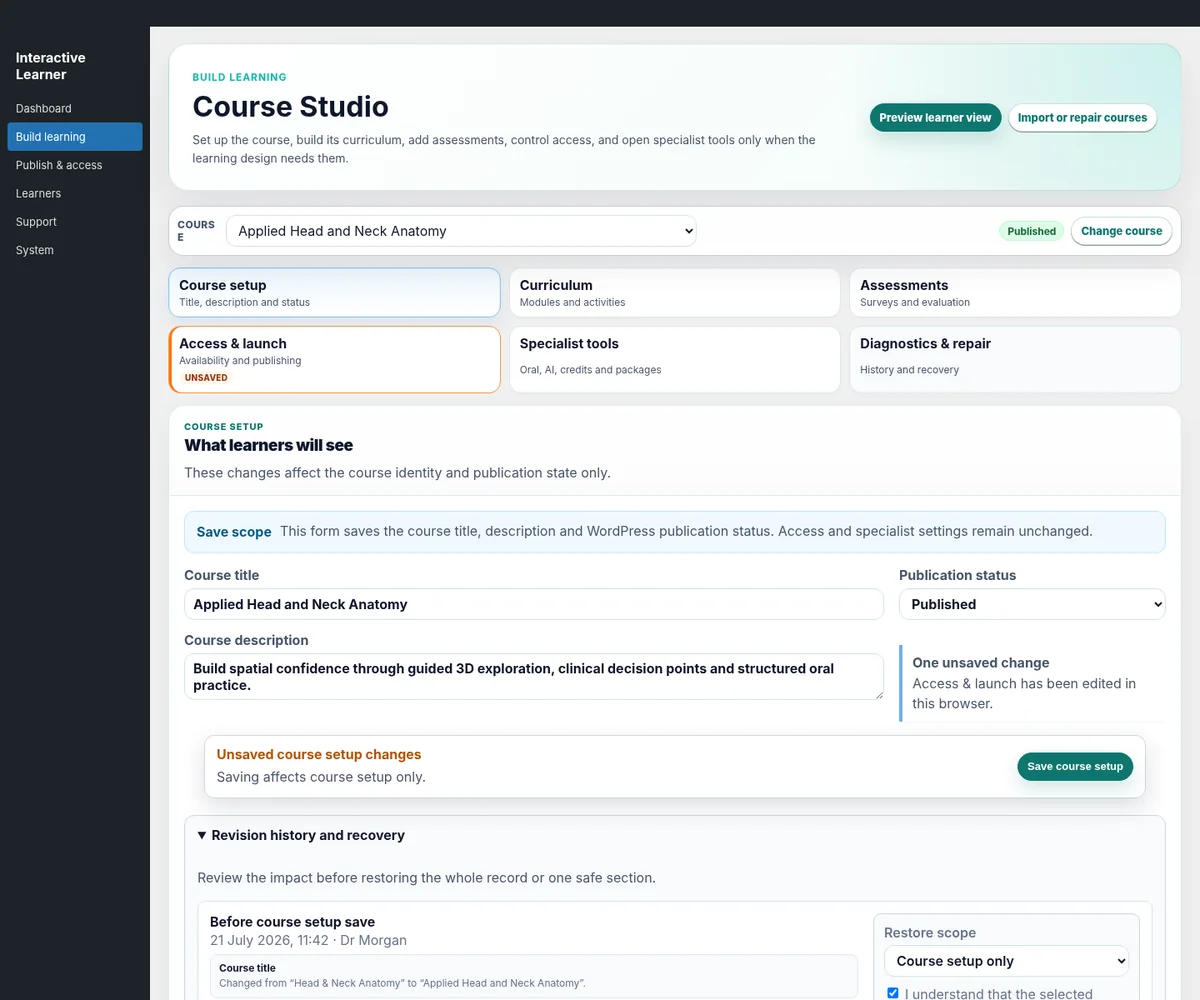
Behind the front-end are tools for building, reviewing, publishing and operating serious learning products without exposing learners to the complexity.
Structure courses, modules, assessments and specialist activities, with safer review and publishing boundaries.
Use evidence-backed checks and operational tools to keep releases usable, responsive and ready for learners.

Ownership and integration
Interactive Learner runs in WordPress so the public website, learning experience, content, media, access and established business components can work together under your brand.
The learner experience can feel native to your organisation rather than a third-party portal.
Content and media remain within an ecosystem your team can access and govern.
Tutor LMS, H5P, commerce and membership routes can be connected, retained or migrated where appropriate.
Integrations and migration are assessed before they are promised, with clear acceptance points.
Start with the real learning challenge
No coding brief is required. Bring the audience, outcome and whatever source material already exists.